


Your headset at a glance.
Battery, noise cancellation and multipoint on one screen. Tap a tile to switch it.
On the headset · iPhone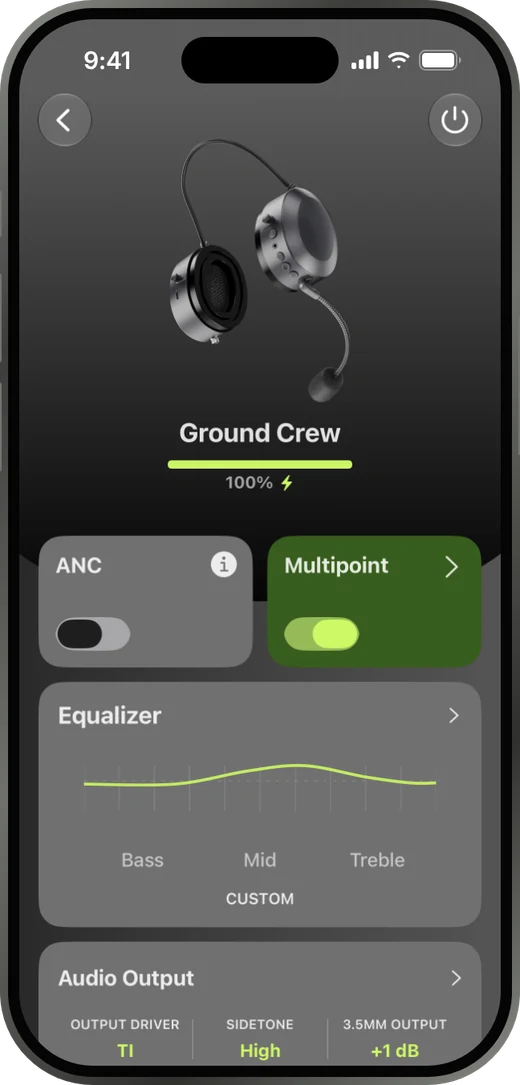
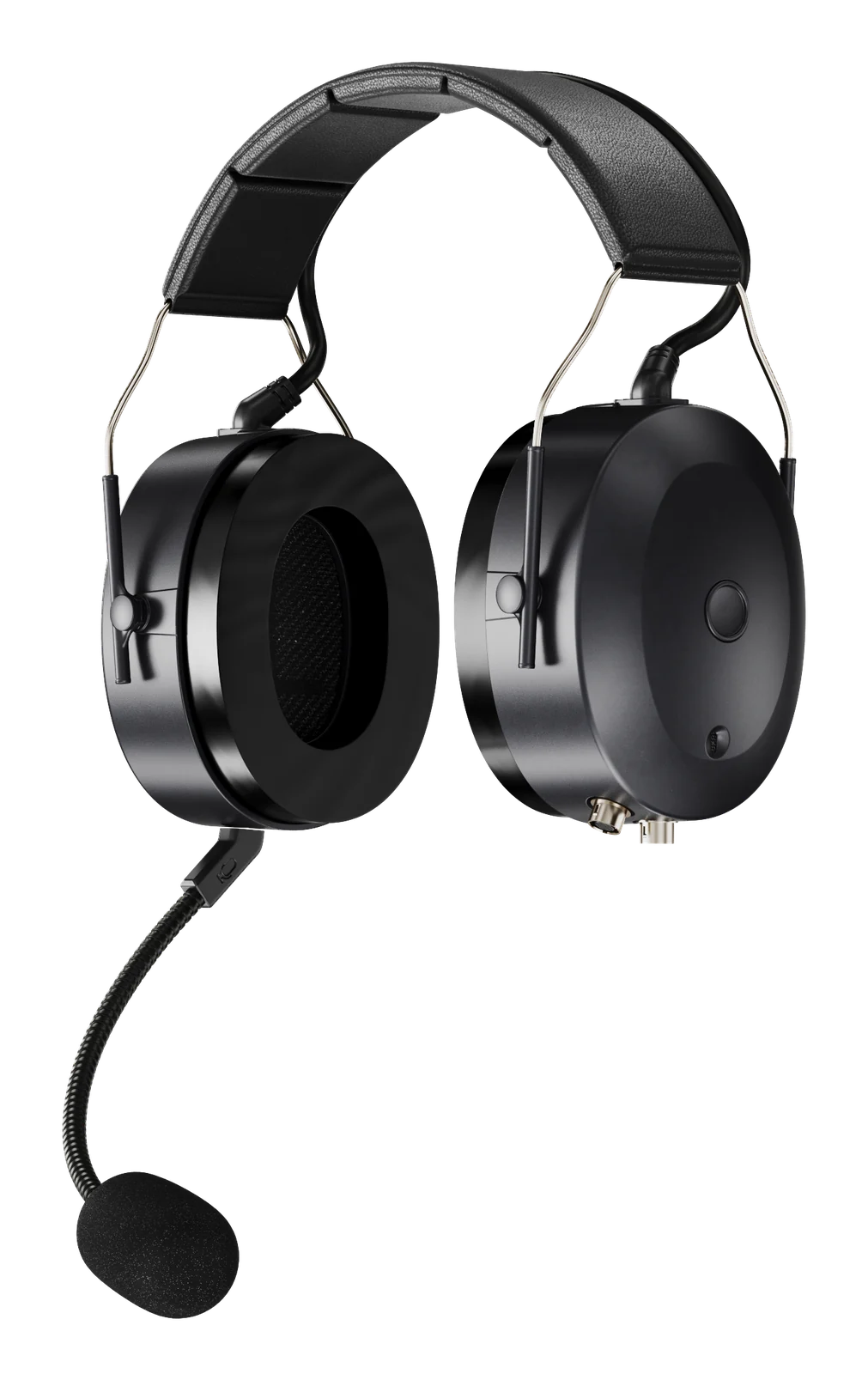
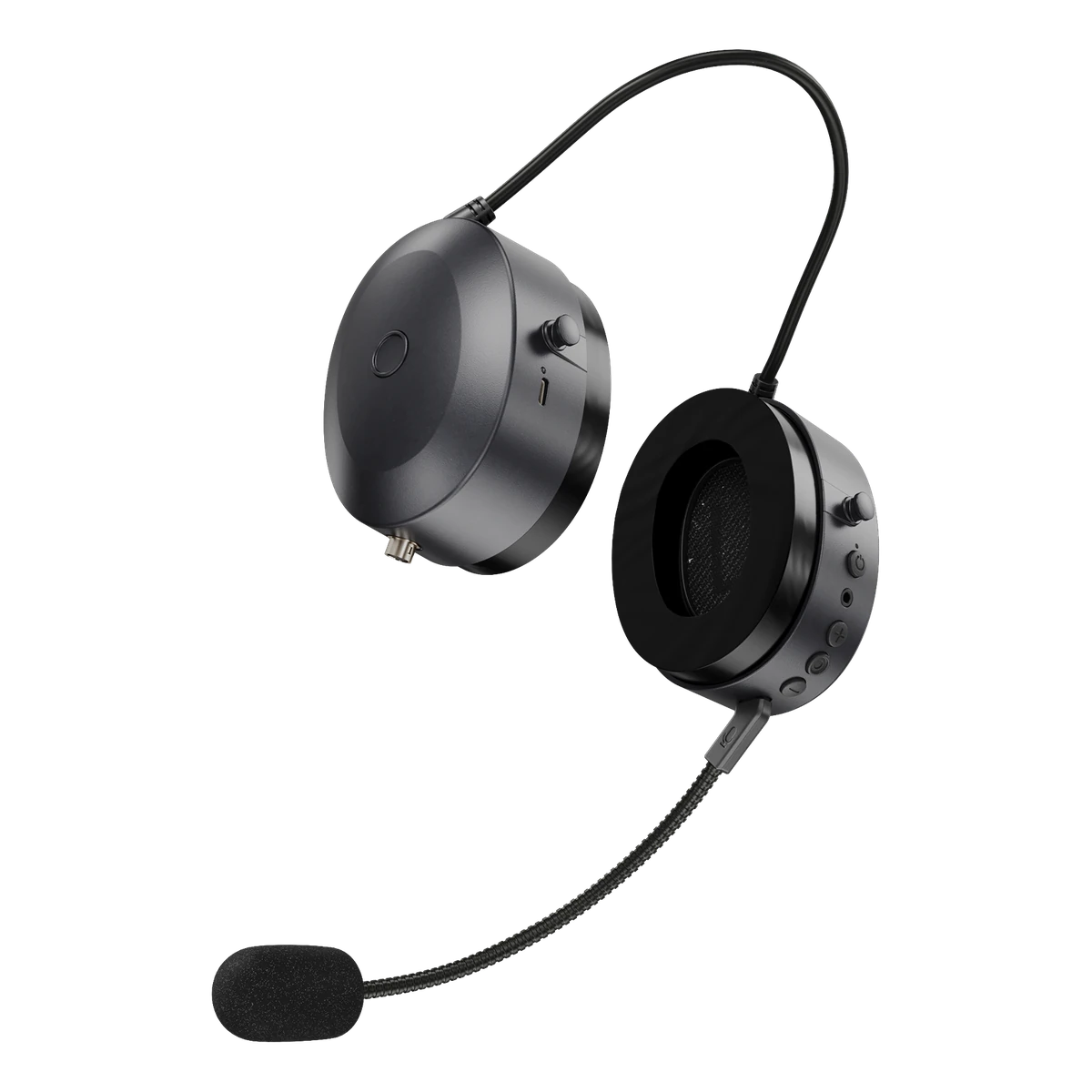 Headset$589The standard headset
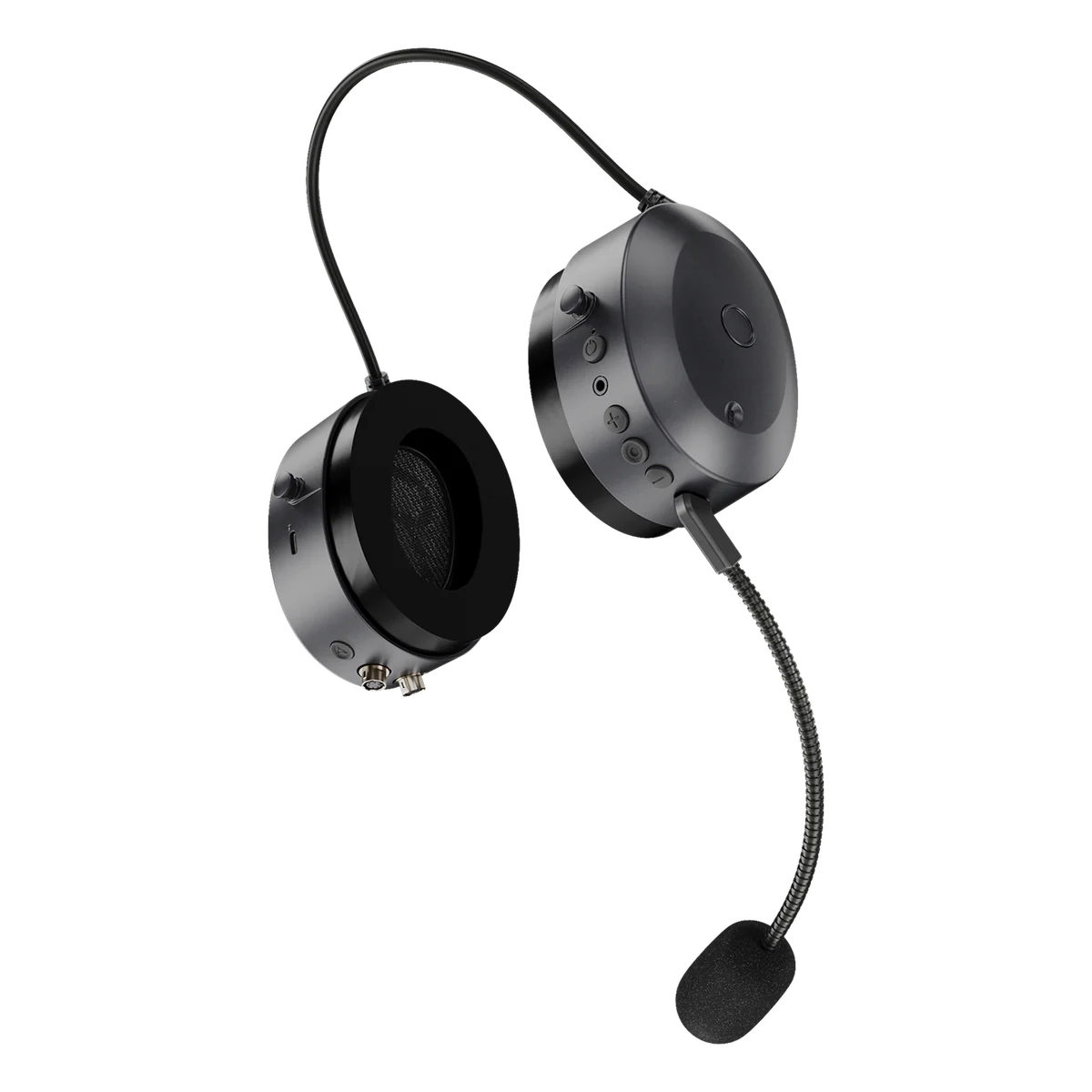 Headset Pro$849Two radios, power bank
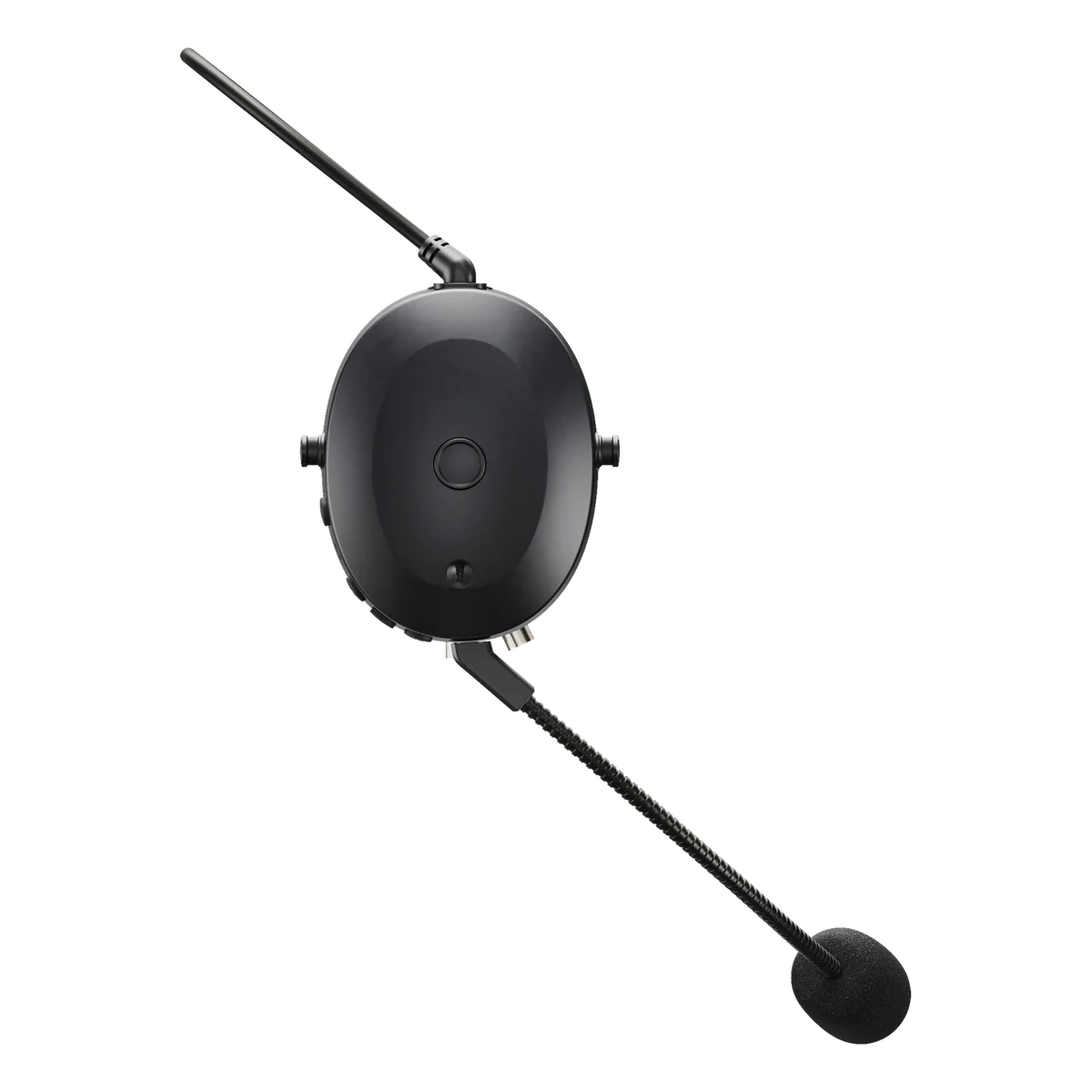 Headset Mesh$1,149Talk headset to headset
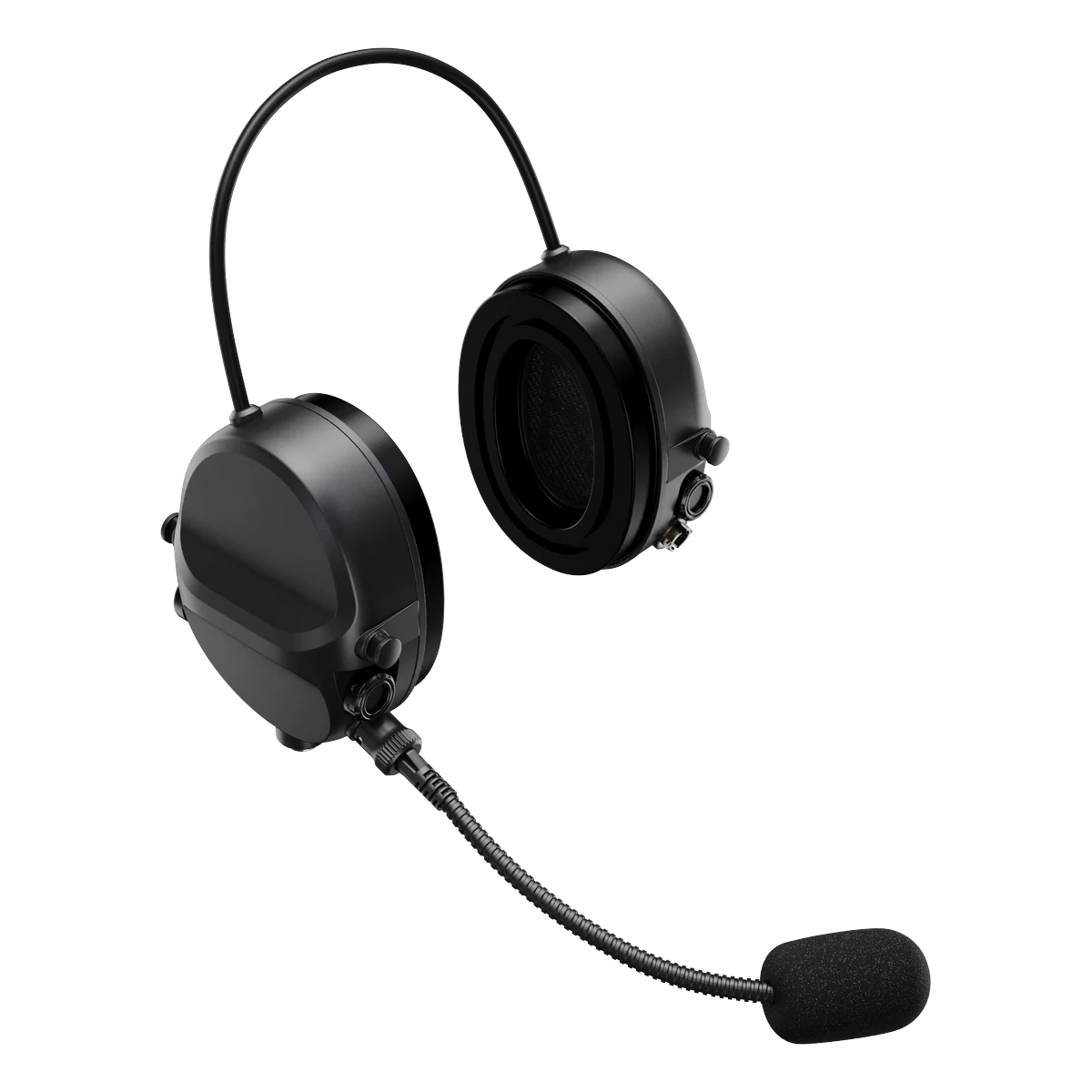 Headset Tactical$489Built for helmets
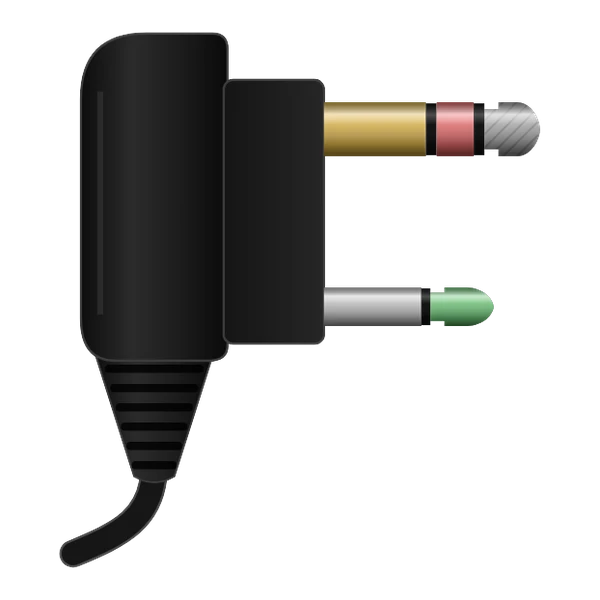 Radio CablesFrom $69Fits 498 radio models
 Mounts$594 ways to wear it
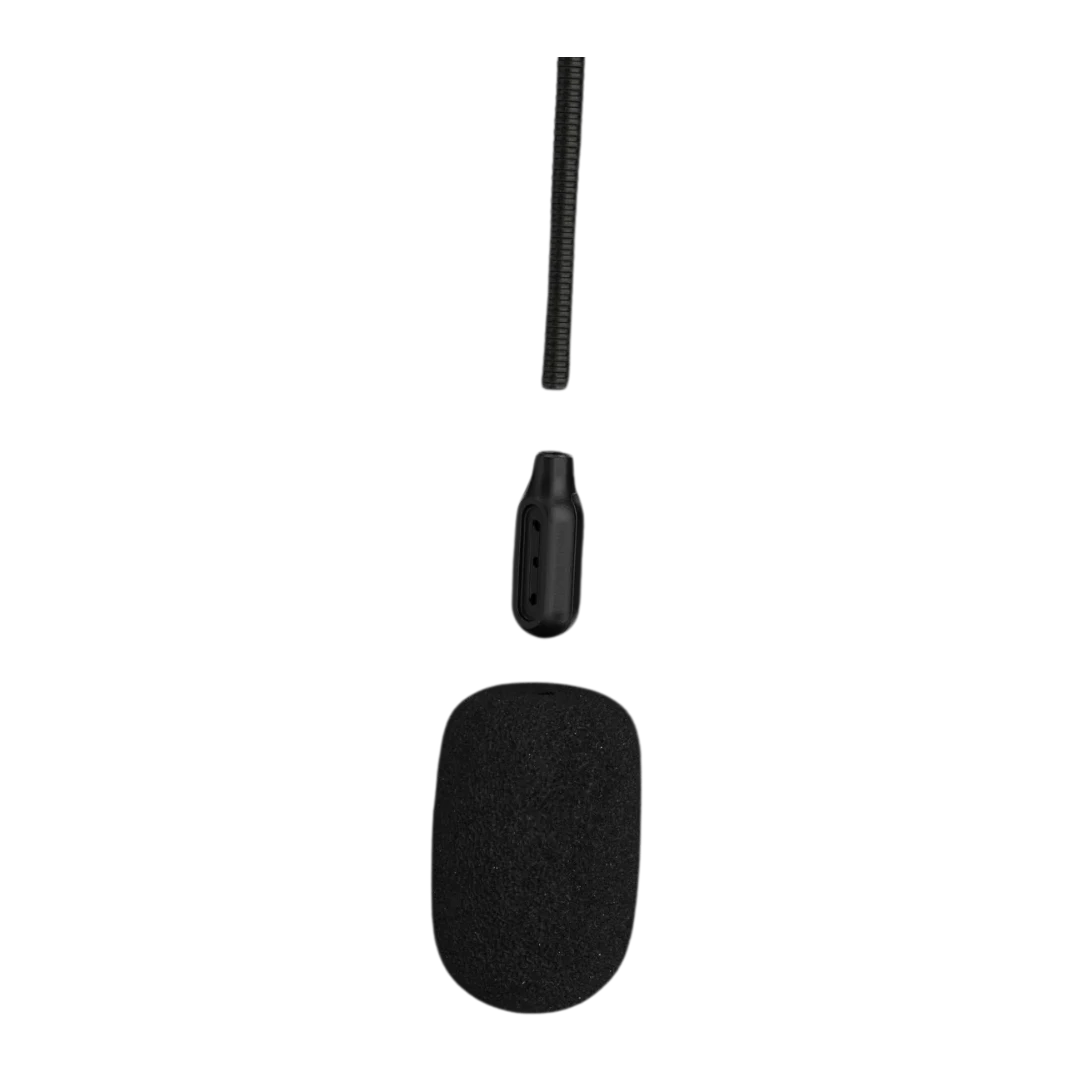 Microphone$99Replacement boom mic
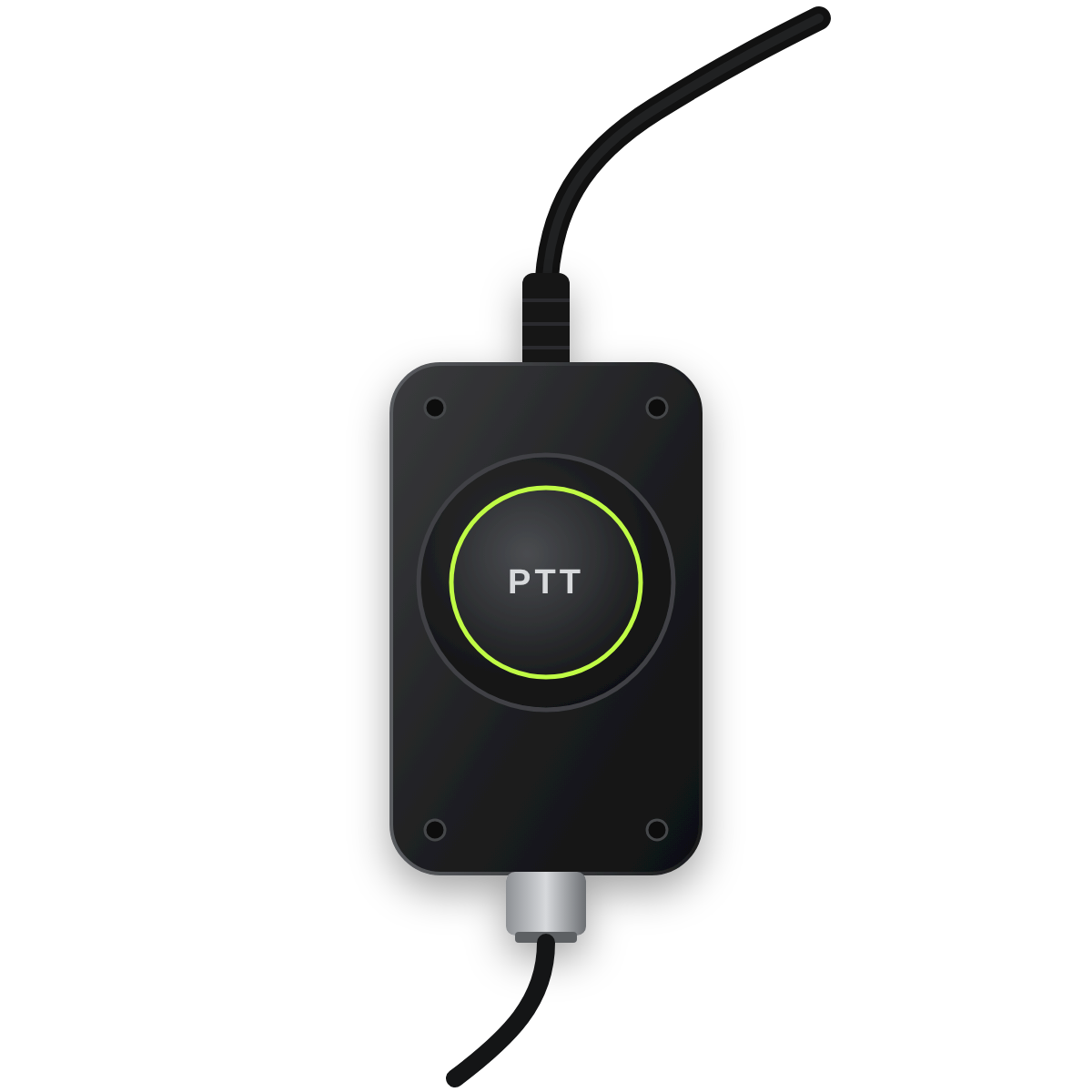 Tactical Downlead$69Chest-mounted PTT
QHR Connect is in beta on Android and iPhone. Get builds before release, use them with your headset, tell us what works and what doesn't, and we fix it before launch.
You're on the list.
Check your inbox and confirm your email. Your invite follows.
Headset settings are written to the headset itself, so they follow it to any phone. App tools handle setup, updates and support.
Battery, noise cancellation and multipoint on one screen. Tap a tile to switch it.
On the headset · iPhonePick speakers or MMCX earbuds, set sidetone from off to high, and trim the 3.5mm output for cameras.
On the headset · iPhone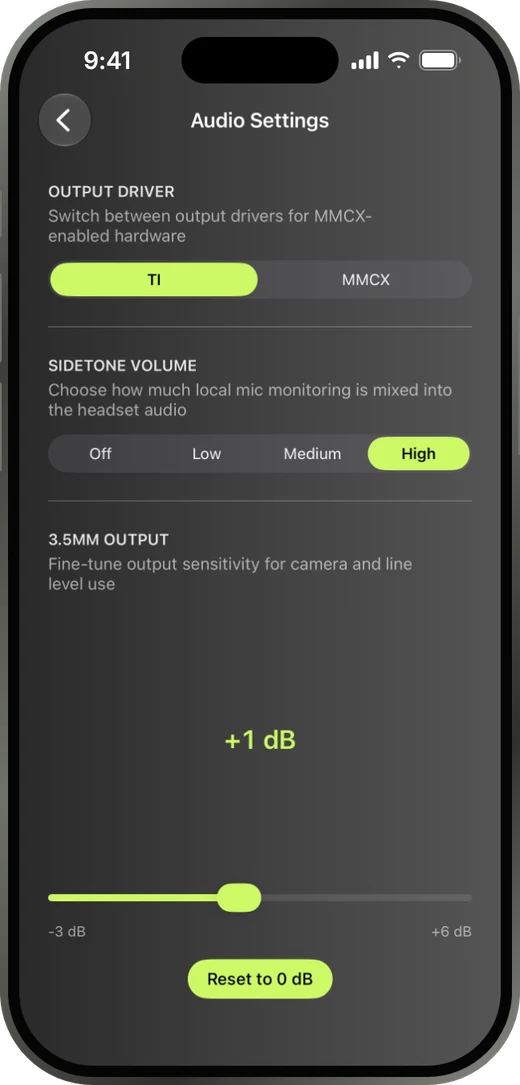
Each preset shows its curve before you pick it.
On the headset · Android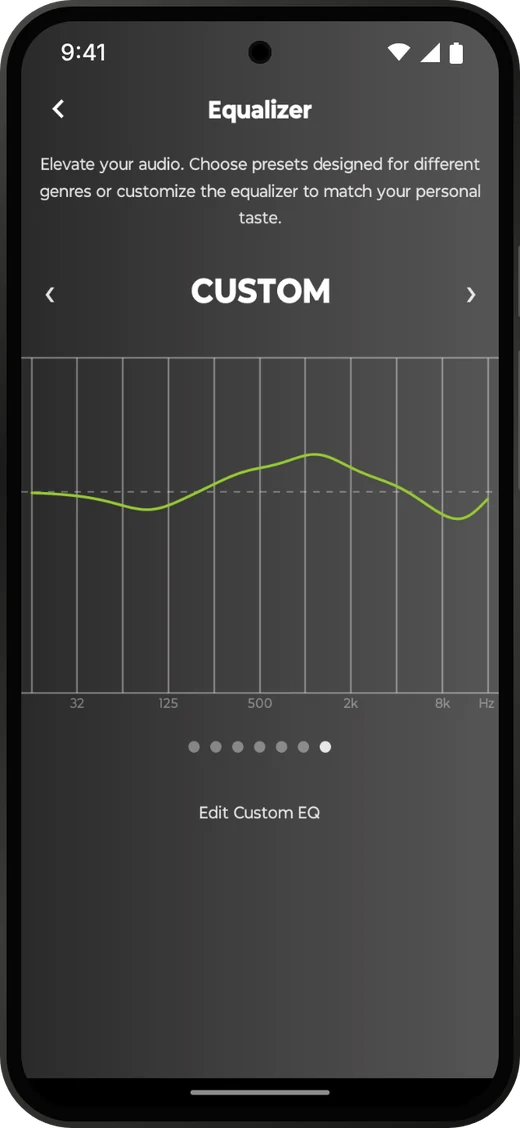
Five bands from 120Hz to 12kHz. Reset to flat in one tap.
On the headset · iPhone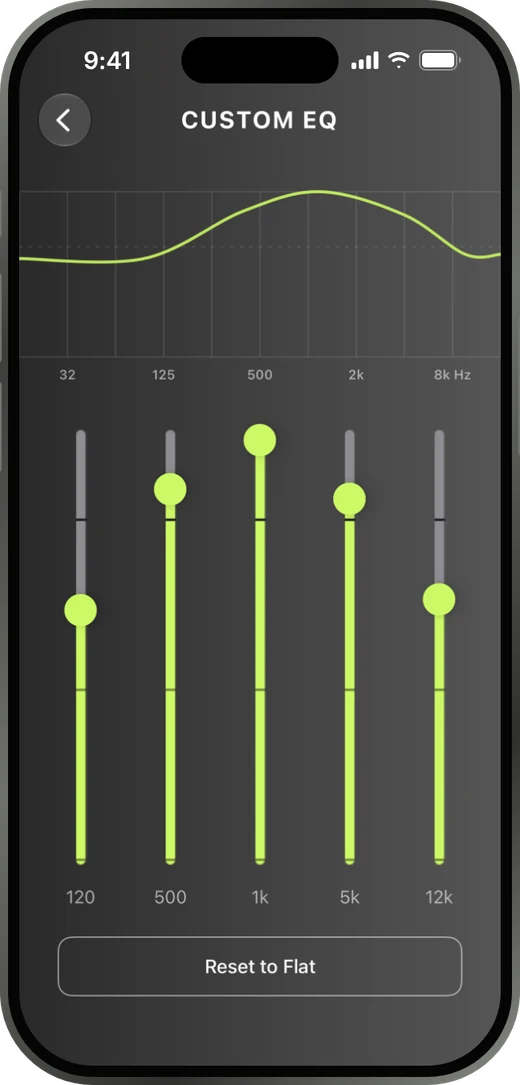
Teammates scan the code to join. See who is talking and each signal. Headset Mesh only.
On the headset · iPhone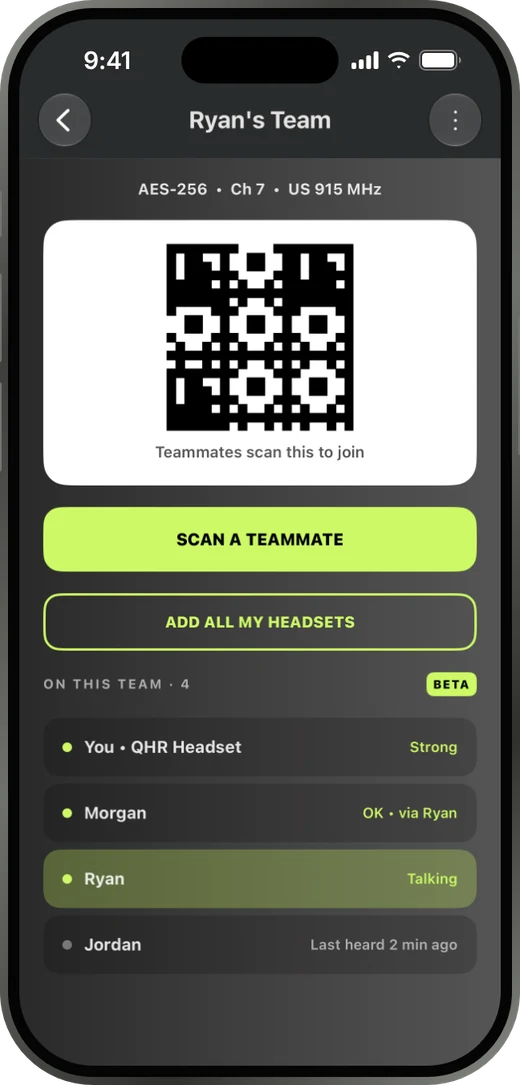
Channel and encryption confirmed. The headset rejoins every time it turns on.
On the headset · iPhone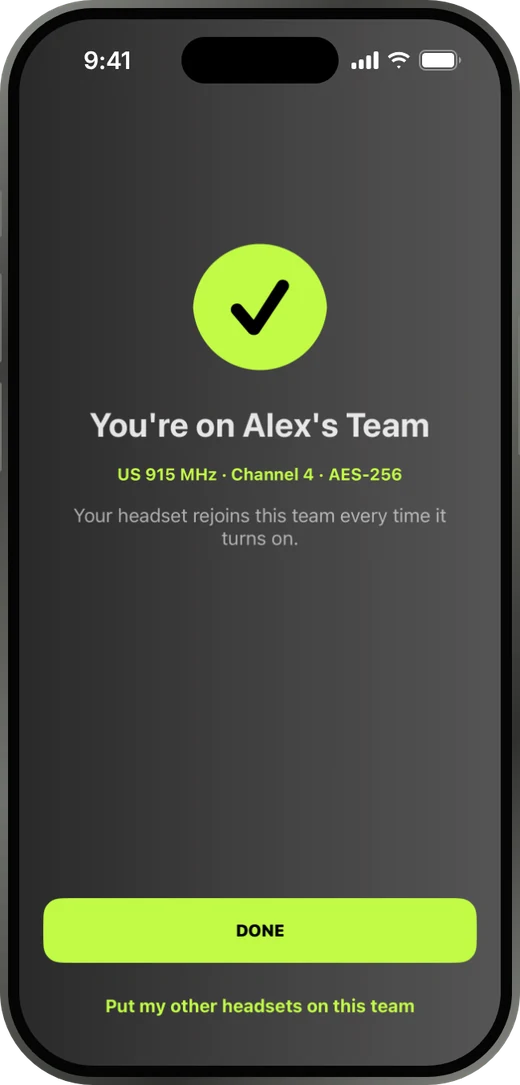
Connected, nearby or not nearby, each under its own name.
In the app · iPhone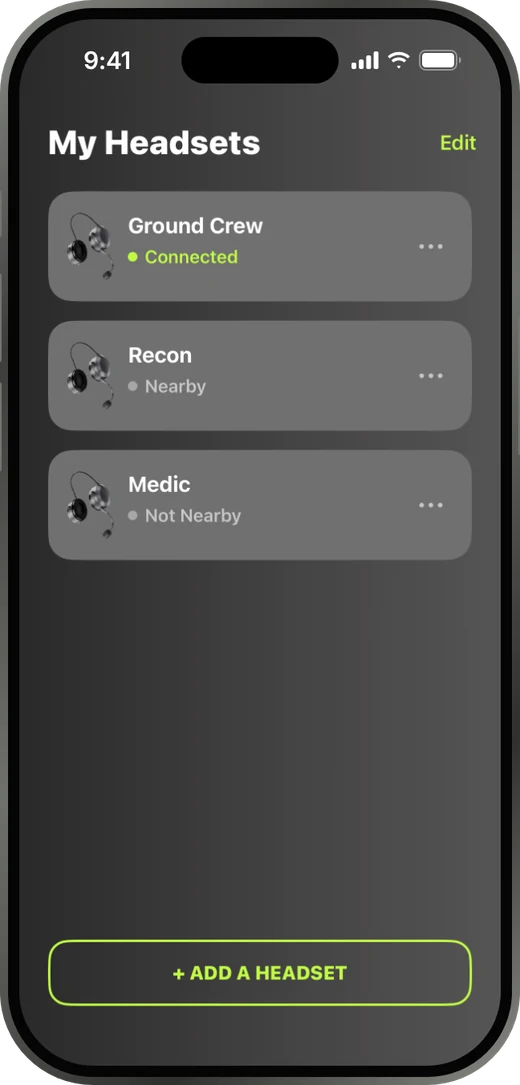
Hold the power button 7 seconds until the light flashes blue and red.
In the app · iPhone
Plain release notes before you install anything.
In the app · iPhone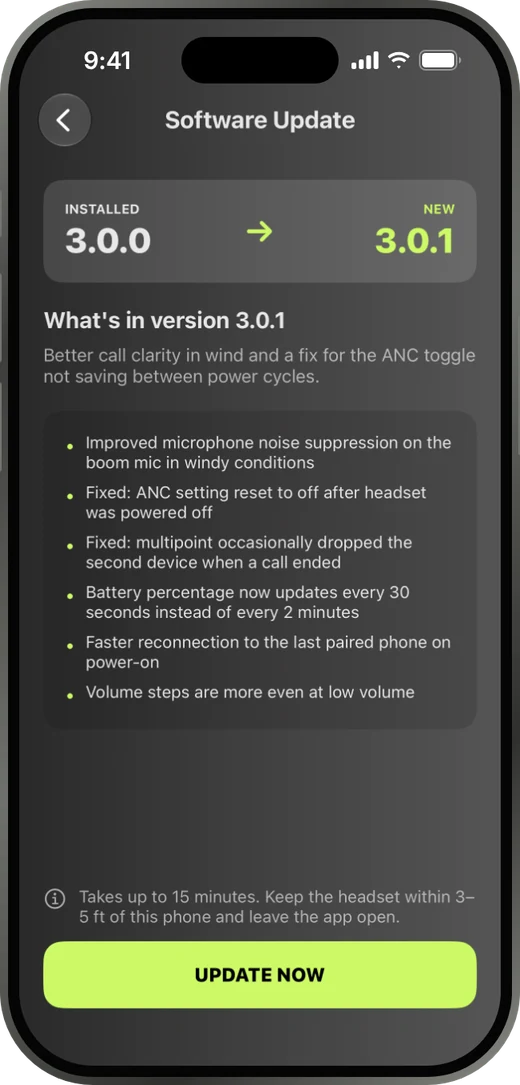
Progress on screen. Music and calls resume when it is done.
In the app · Android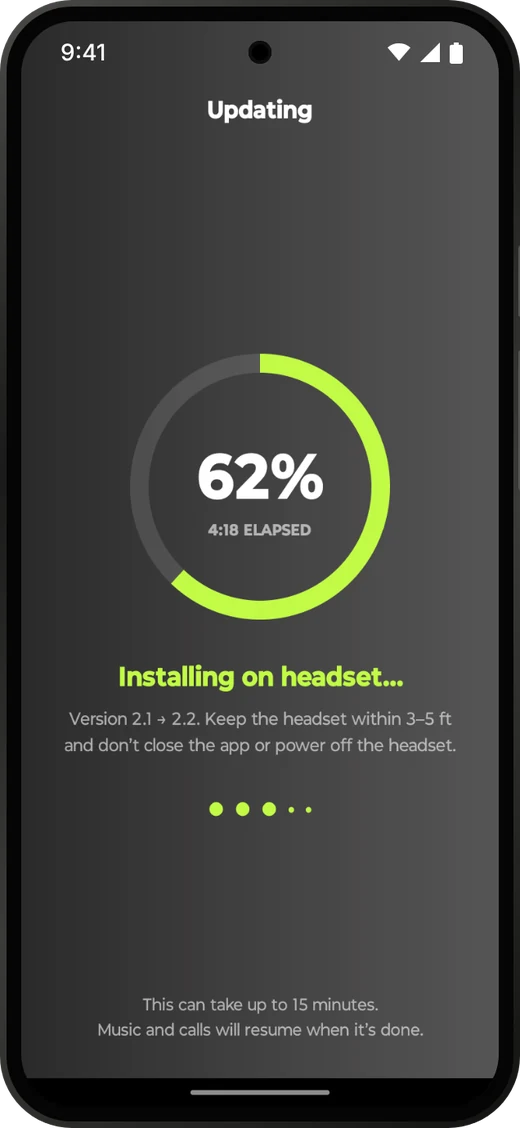
Firmware version, serial number and Bluetooth address. Check for updates here too.
In the app · iPhone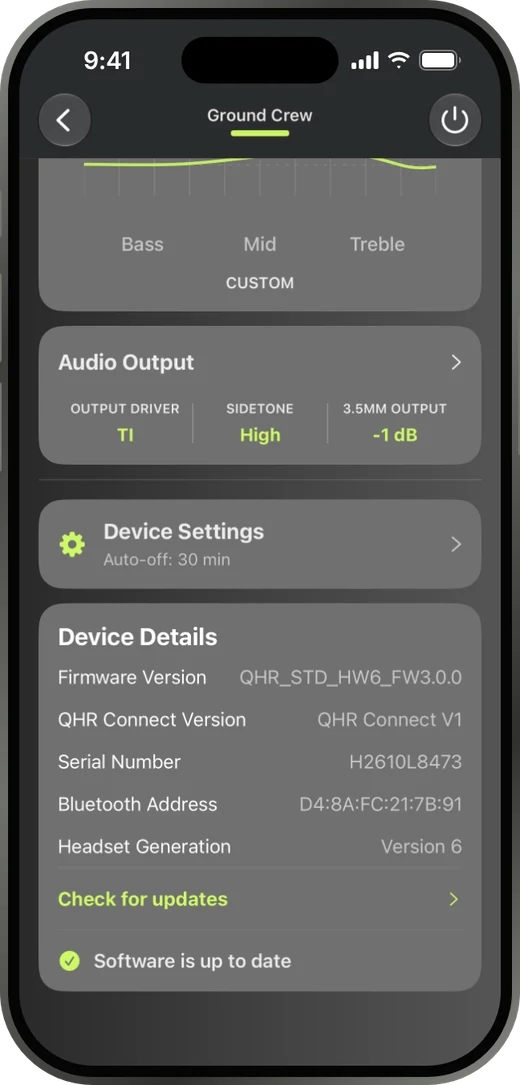
Join with your phone type
Pick Android or iPhone, add your name and email. That is all we need.
Get the invite
iPhone builds come through TestFlight. Android builds come through our beta channel.
Use it and tell us
Try it with your headset. Tell us what works and what does not, and we fix it before launch.
Beta open now
Through our Android beta channel. Android 8.1 or later, Bluetooth 4.0 or later.
Google Play at public release.
Join on AndroidBeta open now
Through TestFlight. iPhone on iOS 15 or later.
App Store at public release.
Join on iPhoneSwipe to compare
| Features |
-24dB Headset
Ships Q1 2027
$589
|
+ Power Bank-24dB Headset Pro
Ships Q1 2027
$849
|
+ Mesh Radio-24dB Headset Mesh
Ships Q4 2027
$1,149
|
Tactical Format-24dB Headset Tactical
Ships Q2 2027
$489
|
|---|---|---|---|---|
| Connect and manage | Yes | Yes | Yes | Yes |
| Noise cancellation and sidetone | Yes | Yes | Yes | Yes |
| 5-band equalizer | Yes | Yes | Yes | Yes |
| One tap firmware updates | Yes | Yes | Yes | Yes |
| MMCX output select | Optional | Optional | Optional | Optional |
| Dual radio controls | — | Yes | Yes | — |
| Power bank monitoring | — | Yes | — | — |
| Mesh network setup | — | — | Yes | — |
-24dB
+ Power Bank-24dB
+ Mesh Radio-24dB
Tactical Format-24dBMMCX output select appears on any headset ordered with the MMCX earbud port.
Use the app with your headset and tell us what works and what does not. Beta testers get a direct line to the team building it.
It is in beta now on iPhone through TestFlight and on Android through our beta channel. Join the beta and we send you the invite. The public release follows.
No. The headset works on its own over Bluetooth® and over a radio cable. The app is for changing settings, tuning sound and installing firmware updates.
Android 8.1 or later, and iPhone® on iOS 15 or later. Your phone needs Bluetooth® turned on.
Yes. Each headset shows only the controls it has. Dual radio controls appear on Headset Pro and Headset Mesh, mesh setup on Headset Mesh.
They are saved on the headset. Connect it to another phone and your settings are already there.
Yes. The new firmware installs alongside the current version and only takes over once the headset verifies it. If an update stops early, the headset keeps running the version it had.