Control Your QHR Headset From Your
Phone
The QHR Connect Android app gives you complete control over your headset. Adjust noise cancellation, fine tune audio, manage device connectivity, and install firmware updates, all from a clean, powerful mobile interface.


Device Connection
Connect in Seconds

The QHR Connect app automatically scans for nearby QHR devices and connects instantly via Bluetooth. Once paired, your headset becomes fully configurable from the app. From connection to control, everything happens in seconds.

Automatic device discovery

One tap Bluetooth connection

Real time connection status

Device identification and firmware detection

Control Your Headset
Full Headset Control in One Interface
The QHR Connect app gives you direct control over your headset's most important functions.Adjust noise cancellation, manage Bluetooth multipoint connections, control volume, and monitor playback without touching your headset. Every change you make is written directly to the device, ensuring your settings stay consistent across phones and sessions.


Equalizer Customization
Customize Your Sound
Tailor your audio experience with built-in EQ presets or create your own custom sound profile. The QHR Connect app includes a powerful 5 band equalizer that allows you to adjust bass, midrange, and treble frequencies to match your preferences.

Equalizer Features
- Multiple EQ presets
- Fully customizable 5 band EQ
- Real time visual curve preview
- Reset to flat option
Custom EQ
- 32 Hz
- 125 Hz
- 500 Hz
- 2 kHz
- 8 kHz

Audio Mixing Priority


Control How Your Audio Is Mixed
The QHR Connect app allows you to manage how audio sources are prioritized when multiple inputs are active. Whether you are receiving radio communication, Bluetooth audio, phone calls, or external inputs, the app lets you decide which audio takes priority.


When multiple inputs are active, the top priority source automatically takes precedence.
Audio Output Control
Optimize Output for Your Setup
Adjust output sensitivity and control where your audio is routed directly from the app. Perfect for recording setups, action cameras, or external audio devices.

These controls help optimize audio levels for recording devices, cameras, and line level equipment.
Firmware Updates
Keep Your Headset Up to Date
Update your headset firmware directly from the QHR Connect app. When a new firmware release becomes available, the app allows you to download and install updates quickly with real time progress tracking.


STEP 01
Check for updates

STEP 02
Download firmware

STEP 03
Prepare device upgrade

STEP 04
Install update with live progress

STEP 05
Confirm latest version installed
Comparison
One App for the Entire QHR Platform
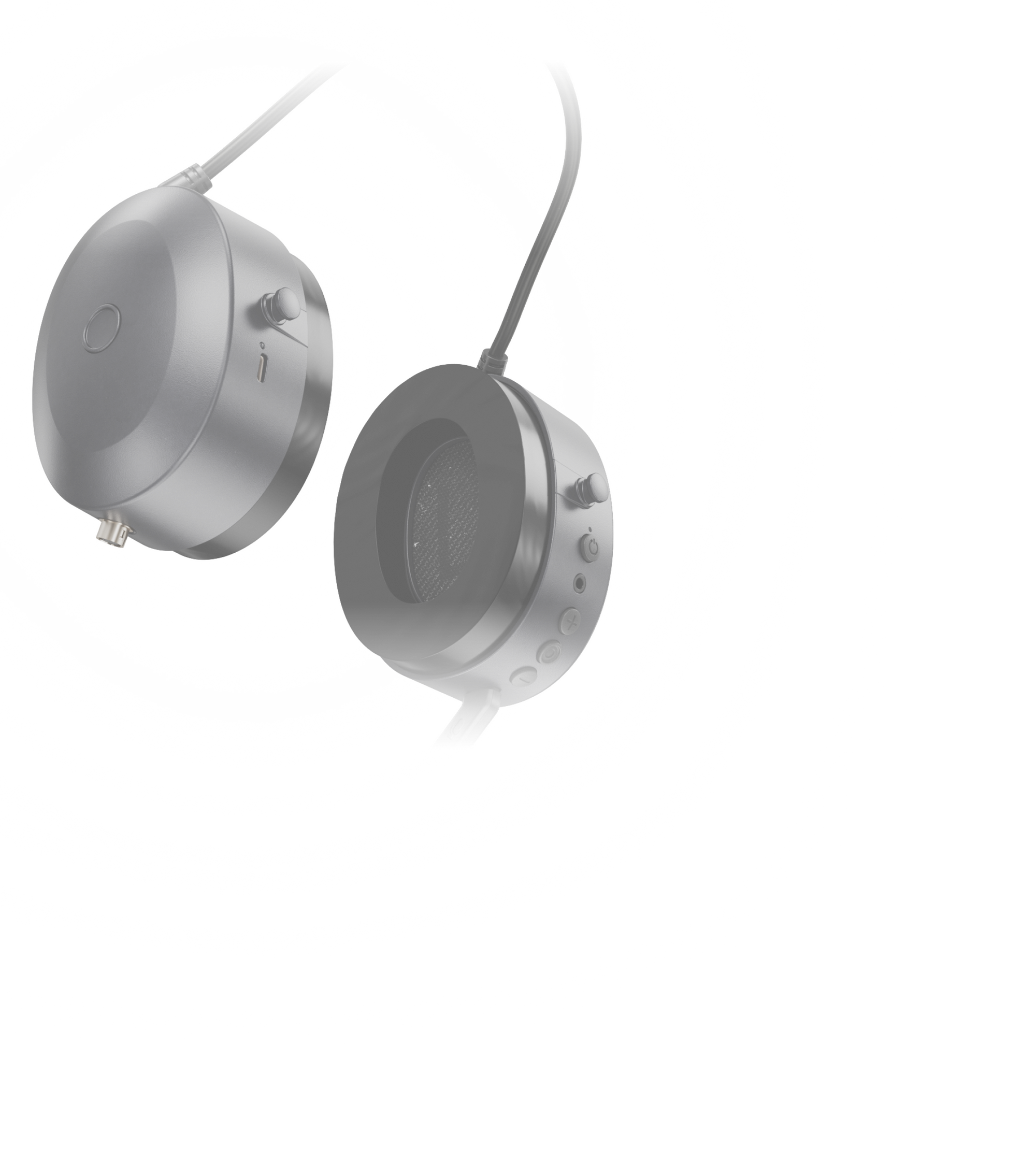
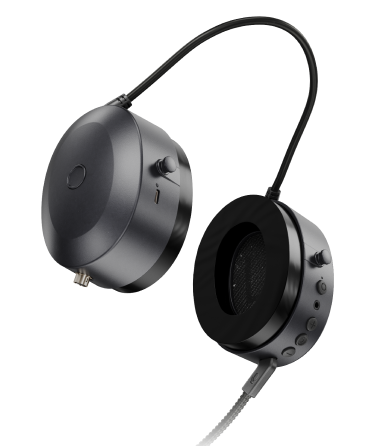
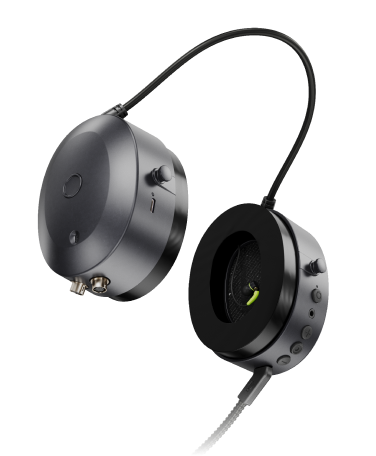
The QHR Connect app automatically detects which headset you are using and displays the appropriate controls. Each headset model unlocks additional capabilities.
Headset
ANC control
EQ customization
Bluetooth management
Firmware updates
Headset Pro
All Headset features
MMCX audio driver selection
Dual radio controls
Power bank monitoring

Headset Mesh
All Pro features
Mesh network configuration
Channel selection
Encryption settings
Power output configuration

Mesh Network Control
Configure Your Mesh Network
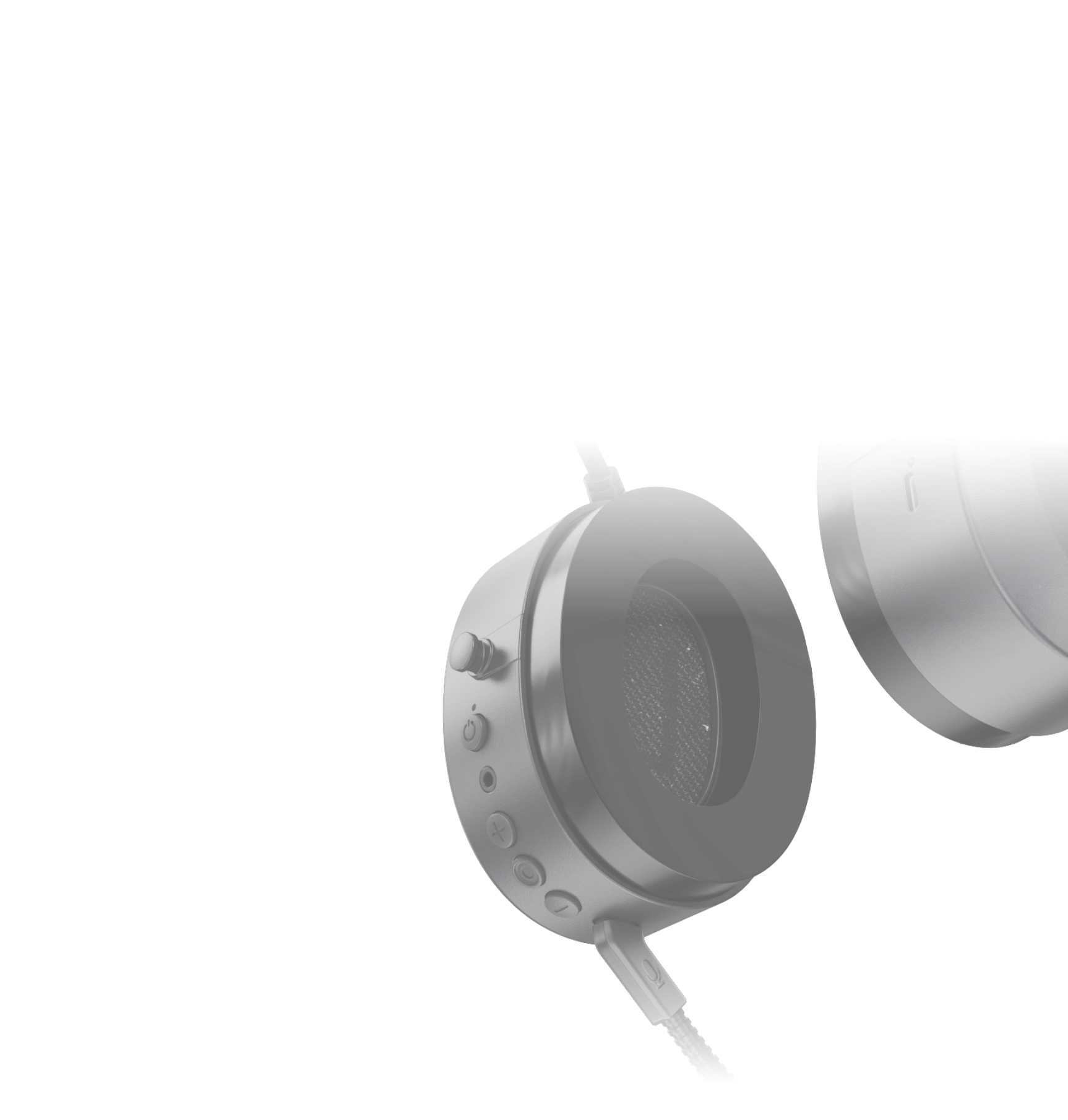
For Headset Mesh users, the QHR Connect app becomes the command center for your mesh communication network. Configure channels, encryption, transmission power, and device pairing directly from the app. The app allows you to build and manage secure mesh communication networks with extended range and self healing connectivity.


Device Information
Complete Device Transparency
The QHR Connect app gives you full visibility into your device status.View firmware versions, serial numbers, Bluetooth addresses, and software versions in one place.This ensures you always know the exact configuration of your headset.